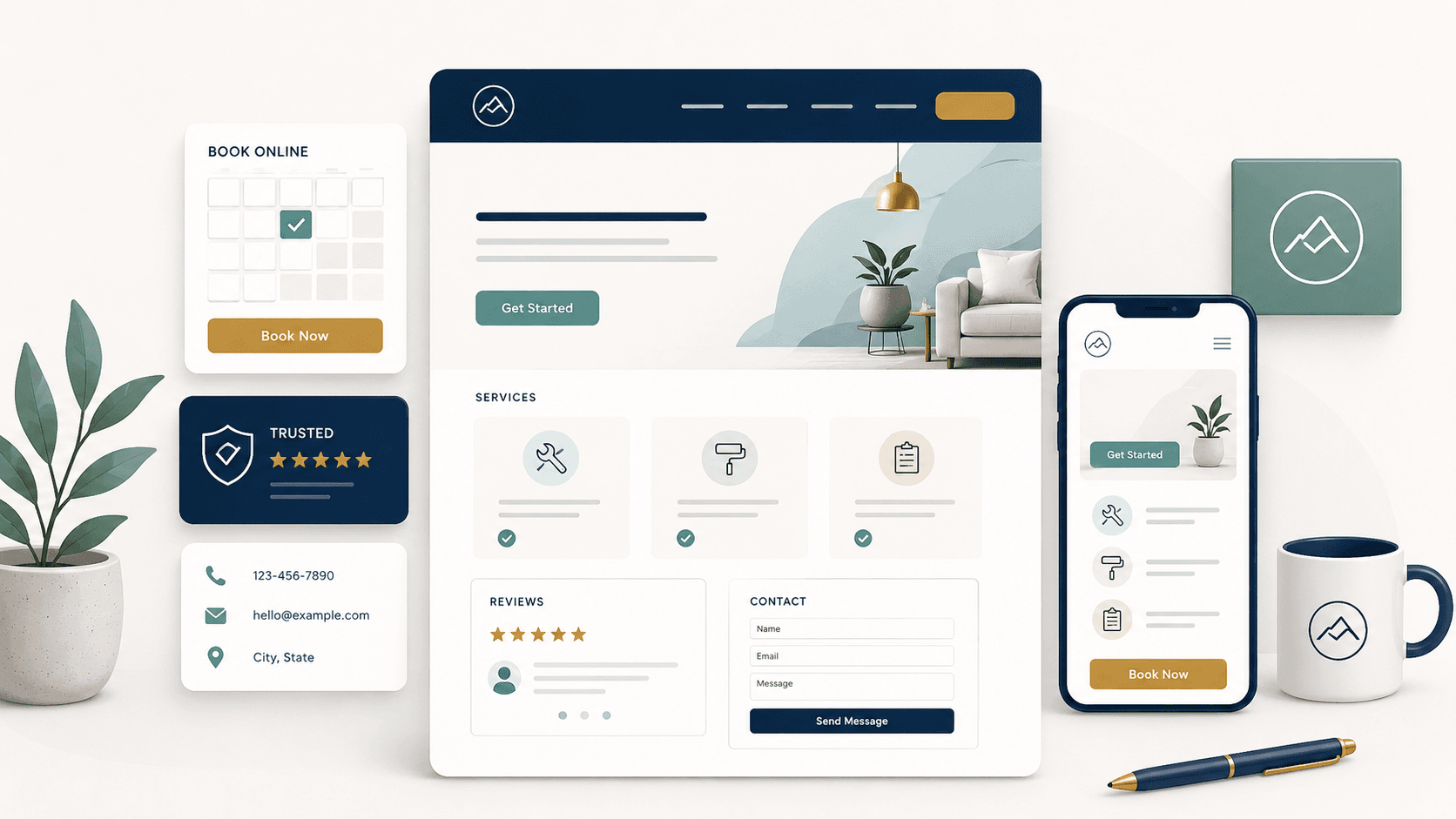
Starting a service business is exciting, but your website can quickly become overwhelming.
You may wonder what pages you need, what to say, how much detail to include, and whether your website needs to look as polished as a larger company’s site.
The truth is simple: your first service business website does not need to be complicated. It needs to be clear.
A good service business website should answer the questions real customers are already asking:
- What do you do?
- Where do you work?
- How much does it cost?
- Can I trust you?
- How do I contact you?
- What happens next?
Whether you are starting a cleaning business, mobile detailing business, handyman service, pet sitting business, home organizing business, lawn care business, pressure washing business, or another local service, your website has one main job:
Turn interested visitors into real leads.
This guide walks through what every new service business website needs before you start spending money on ads, SEO, business cards, or social media.
Why your service business website matters
Many new service business owners rely only on Facebook, Instagram, referrals, or a Google Business Profile when they first launch.
Those channels are helpful, but they are not a replacement for a website.
Your website gives you a place to clearly explain your services, show your coverage area, list starting prices, answer common questions, and give customers a simple way to contact you.
A website also makes your business feel more legitimate. When someone hears about your business, sees your flyer, finds you on Google, or gets your name from a friend, they will often search for you before reaching out.
If they find a clear, professional website, they are more likely to trust you.
If they find nothing, or only a social media page with limited information, they may keep looking.
Your website does not need to be huge. A simple website with the right information is often better than a large website that is confusing or incomplete.
1. A clear homepage headline
The first thing your website needs is a clear headline.
This is the sentence at the top of your homepage that tells visitors what you do and who you help.
Many new businesses make the mistake of using a vague headline like:
Quality service you can trust.
That sounds nice, but it does not tell the customer enough.
A stronger headline is specific:
Reliable house cleaning for busy homeowners in Grand Rapids.
Or:
Mobile car detailing that comes to your driveway in Austin.
Or:
Handyman repairs and small home projects in West Michigan.
A good homepage headline should usually include:
- The service you provide
- The type of customer you help
- The location or service area
- A simple benefit or outcome
For local service businesses, clarity beats creativity.
Visitors should understand what you do within a few seconds of landing on your website.
2. A short explanation of your service
After the headline, your website should quickly explain what you offer.
This section should be simple and direct.
For example:
We help homeowners keep their homes clean with dependable weekly, biweekly, and one-time cleaning services. Whether you need regular maintenance cleaning or help before guests arrive, we make booking simple and show up ready to work.
Or:
We provide mobile detailing services for busy vehicle owners who want their car cleaned without driving to a shop. We bring the supplies, equipment, and attention to detail directly to your home or workplace.
This does not need to be long. The goal is to help the visitor feel like they are in the right place.
A strong service explanation should answer:
- What do you do?
- Who is it for?
- What problem does it solve?
- Why is it convenient, helpful, or valuable?
Avoid filling this section with generic claims. Phrases like “high quality,” “professional,” and “customer-focused” are fine, but they are not enough by themselves.
Specific details create trust.
3. A list of your core services
Every new service business website needs a clear list of services.
Customers should not have to guess what you offer.
Depending on your business, this might be a simple section on the homepage or a separate Services page.
For example, a cleaning business might list:
- Standard house cleaning
- Deep cleaning
- Move-in and move-out cleaning
- Office cleaning
- Add-on services
A handyman business might list:
- Small repairs
- Furniture assembly
- Drywall patching
- Fixture replacement
- Door and trim repairs
- Small home projects
A pet sitting or dog walking business might list:
- Dog walking
- Drop-in visits
- Overnight pet sitting
- Puppy care
- Cat visits
- Medication support
Each service should include a short description. Do not just list the service name.
For example:
Deep Cleaning A more detailed cleaning for homes that need extra attention, including baseboards, high-touch areas, buildup, and hard-to-reach spots.
This helps customers understand the difference between your services and choose the right option.
4. Simple service packages or starting prices
Pricing is one of the most important parts of a service business website.
Many new business owners are afraid to show prices because they worry about scaring people away. But hiding all pricing can create more friction.
Customers want to know whether your service is in their budget before they contact you.
You do not need to list every exact price. But you should give visitors a starting point.
Examples:
- Standard cleaning starts at $125
- Mobile detailing packages start at $149
- Handyman visits start at $150
- Organizing sessions start at $199
- Dog walking starts at $25 per walk
- Custom quotes available for larger projects
Showing starting prices helps qualify leads. It can reduce messages from people who are not a good fit and increase confidence from people who are ready to book.
A good pricing section might include three package options:
Starter Package
Best for small jobs or first-time customers.
Standard Package
Your most popular option and best fit for most customers.
Premium Package
Best for larger jobs, deeper service, or customers who want more complete help.
Even if your pricing varies, your website should explain how pricing works.
For example:
Pricing depends on the size of the home, current condition, frequency of service, and any add-ons requested. Most first-time cleanings range from $175 to $350.
That kind of statement gives customers useful information without locking you into one price for every situation.
5. Your service area
Local customers need to know whether you serve their area.
Your website should clearly list your service area on the homepage, contact page, and service pages.
For example:
Serving Grand Rapids, Wyoming, Kentwood, Grandville, Walker, and nearby West Michigan communities.
Or:
Mobile detailing available within 25 miles of downtown Nashville.
This matters for both customers and local SEO.
If you serve multiple cities, neighborhoods, or counties, include them naturally on your website. Do not stuff a long list of cities everywhere, but do make your coverage area easy to find.
You can also include a note like:
Not sure if you are in our service area? Contact us and we will let you know.
That gives potential customers a reason to reach out instead of leaving the site.
6. A strong call to action
A call to action tells visitors what to do next.
Every service business website needs a clear next step.
Examples:
- Request a quote
- Book a service
- Schedule a consultation
- Call now
- Send a message
- Check availability
- Get a free estimate
Your call to action should appear near the top of the homepage and again throughout the site.
Do not make visitors search for how to contact you. Put buttons and links in obvious places.
For example:
Ready to get started? Request a free quote today.
Or:
Need help with a small home repair? Tell us what you need and we will follow up with availability.
A good call to action should be specific, simple, and low-friction.
7. Easy contact options
Your website should make it easy for customers to contact you.
At minimum, include:
- Contact form
- Phone number
- Email address
- Service area
- Expected response time
Depending on your business, you may also include:
- Online booking link
- Text message option
- Business hours
- Google Business Profile link
- Social media links
For new service businesses, a simple contact form is usually enough.
Good contact form fields include:
- Name
- Phone
- Service needed
- Location or ZIP code
- Preferred timing
- Message or project details
Do not make the form too long. The goal is to collect enough information to follow up, not to make the customer complete a full intake process before they know you.
You can always gather more details later.
8. Trust signals
New businesses need trust signals because customers are taking a chance on you.
They want to know that you are real, reliable, and capable.
Trust signals can include:
- Photos of your work
- Before-and-after images
- Customer testimonials
- Google reviews
- Years of related experience
- Insurance or licensing information
- Background checks, where relevant
- Professional photos
- Clear policies
- Local community references
If you are brand new and do not have reviews yet, you can still build trust.
You might include:
- A short founder story
- Your relevant experience
- Your service process
- A satisfaction-focused policy
- Photos of tools, supplies, or completed sample work
- Clear communication expectations
For example:
We are a new local business, but we bring years of hands-on experience helping homeowners with cleaning, organizing, and home maintenance. Our goal is simple: clear communication, dependable scheduling, and work we are proud to stand behind.
That kind of honesty can be more effective than pretending to be larger than you are.
9. Photos that show the service
Photos matter for service businesses.
Your website does not need a massive gallery, but it should have images that help customers understand what you do.
Good photo options include:
- Before-and-after photos
- Completed work
- Tools and supplies
- Your vehicle or setup
- You or your team
- Branded materials
- Clean, organized, finished spaces
- Happy pets, clean cars, repaired fixtures, or finished projects
Avoid using only generic stock photos if possible. Stock photos can make a new business feel less real.
Real photos are usually better, even if they are simple.
For example, a mobile detailing business can show a clean dashboard, shiny exterior, organized equipment, and a finished vehicle.
A home organizing business can show labeled bins, organized shelves, and clean closets.
A handyman business can show small completed repairs, installed fixtures, patched drywall, or assembled furniture.
Customers want to picture the result.
10. A simple “How it works” section
A “How it works” section helps customers understand the process.
This is especially useful for service businesses because customers may not know what happens after they submit a form or request a quote.
A simple process might look like this:
1. Request a quote
Tell us what you need and where you are located.
2. Get a clear estimate
We will follow up with pricing, availability, and any questions.
3. Schedule your service
Choose a time that works for you.
4. We complete the work
We show up prepared, communicate clearly, and complete the service as agreed.
This reduces uncertainty and makes your business feel organized.
It also helps prevent confusion about quotes, booking, payment, and expectations.
11. Frequently asked questions
A FAQ section can save time and improve conversions.
Customers often have the same questions before booking. If your website answers those questions, they may feel more comfortable reaching out.
Common service business FAQ topics include:
- What areas do you serve?
- How does pricing work?
- Do you offer free estimates?
- Are supplies included?
- Do I need to be home?
- How far in advance should I book?
- What payment methods do you accept?
- Are you insured?
- What happens if I need to reschedule?
- Do you offer recurring service?
- What is not included?
For example:
Do I need to be home during the service?
In many cases, no. As long as we have access to the service area and any needed instructions, we can complete the work while you are away. We will confirm details before your appointment.
Do you bring your own supplies?
Yes. We bring the standard supplies needed for the service unless otherwise noted. If you prefer specific products, please let us know before your appointment.
Good FAQs remove friction. They help customers feel informed before they contact you.
12. Clear policies and expectations
Your website should set basic expectations.
This does not need to sound overly formal, but it should help protect your business.
Helpful policy topics include:
- Deposits
- Cancellations
- Rescheduling
- Travel fees
- Payment timing
- Late access or no-show situations
- Weather delays
- Scope changes
- Add-on pricing
- Satisfaction policy
For example:
We ask for at least 24 hours’ notice for cancellations or rescheduling whenever possible. Same-day cancellations may be subject to a fee.
Or:
Quotes are based on the details provided before service. If the project is larger than expected, we will discuss any pricing changes before continuing.
Clear policies prevent uncomfortable conversations later.
They also make your business look more professional.
13. A strong About section
Your About section does not need to be long, but it should make your business feel human.
People hire service businesses based on trust. They want to know who they are inviting into their home, office, driveway, yard, or business.
A good About section can include:
- Who you are
- Why you started the business
- What kind of customers you help
- What you care about
- Your local connection
- Your promise or approach
For example:
We started this business to help busy homeowners get reliable help without the hassle. We believe good service should be easy to understand, simple to schedule, and delivered with care. Whether we are cleaning, organizing, repairing, or maintaining your space, our goal is to make your day easier.
You do not need to overshare. Keep it relevant to the customer.
The best About sections connect your story to the service experience.
14. Reviews and testimonials
Reviews are one of the strongest trust builders for a new service business website.
If you have reviews, feature them clearly.
Good places to show reviews include:
- Homepage
- Service pages
- Contact page
- Near pricing sections
- Near booking buttons
If you do not have reviews yet, make getting them part of your early launch process.
After each completed job, send a polite review request.
For example:
Thank you again for choosing us. If you were happy with the service, would you be willing to leave a quick review? It helps our new local business a lot.
You can also use early testimonials from beta clients, friends, neighbors, or discounted first customers, as long as they are honest and based on real work.
Never fake reviews. It is not worth the risk.
15. Service pages for your main offers
A one-page website can work when you are first starting. But if you offer multiple services, separate service pages can help with SEO and conversions.
For example, a cleaning business might eventually have pages for:
- House cleaning
- Deep cleaning
- Move-out cleaning
- Office cleaning
A handyman business might have pages for:
- Furniture assembly
- Drywall repair
- Fixture installation
- Small home repairs
A mobile detailing business might have pages for:
- Interior detailing
- Exterior detailing
- Full detailing packages
- Fleet detailing
Each service page should explain:
- What the service includes
- Who it is for
- Common problems it solves
- Starting price or quote information
- Service area
- FAQs
- Call to action
Service pages help customers find exactly what they need. They also give search engines clearer information about what your business offers.
16. Local SEO basics
Your service business website should include basic local SEO elements from the beginning.
You do not need to be an SEO expert, but you should make sure your website clearly tells search engines what you do and where you do it.
Local SEO basics include:
- Your business name
- Your primary service
- Your city or service area
- Your phone number
- Your contact information
- Specific service pages
- Page titles that include service and location
- Descriptive headings
- Image alt text
- Links to your Google Business Profile
- Consistent business information across the web
A good page title might be:
House Cleaning in Grand Rapids, MI | Fresh Start Cleaning
Or:
Mobile Detailing in Austin, TX | Driveway Auto Detail
Your website copy should naturally include your services and location.
For example:
We provide recurring house cleaning and deep cleaning services for homeowners in Grand Rapids, Kentwood, Wyoming, and nearby areas.
Do not overdo it. Keyword stuffing makes your website harder to read and can look spammy.
Write for customers first. Make the location and service clear.
17. Mobile-friendly design
Many customers will visit your website from their phone.
Your website needs to work well on mobile.
That means:
- Text is easy to read
- Buttons are easy to tap
- Phone number is clickable
- Forms are simple
- Pages load quickly
- Important information appears near the top
- Navigation is easy to use
- Images are not too large or slow
For local service businesses, mobile experience is critical because customers may find you while searching quickly, comparing options, or trying to book immediately.
A beautiful desktop website does not help much if the mobile version is hard to use.
18. Fast loading pages
A slow website can cost you leads.
Customers may leave if your website takes too long to load, especially on mobile.
To keep your website fast:
- Use compressed images
- Avoid unnecessary animations
- Keep the design simple
- Use only the plugins or tools you actually need
- Avoid huge video backgrounds
- Keep forms lightweight
- Use reliable hosting
Your first website does not need flashy effects. It needs to load quickly and make it easy for customers to take action.
19. A quote or booking form that matches your service
Your form should collect the information you actually need to respond.
For a cleaning business, useful fields might include:
- Home size
- Type of cleaning
- Number of bedrooms and bathrooms
- Frequency
- ZIP code
- Preferred date
For a handyman business:
- Project type
- Photos of the issue
- Property location
- Preferred timing
- Urgency
- Contact details
For a pet sitting business:
- Type of pet
- Number of pets
- Dates needed
- Visit type
- Special care instructions
- Location
For a mobile detailing business:
- Vehicle type
- Package interest
- Condition
- Location
- Preferred date
- Add-ons
Better forms lead to better quotes.
But keep the form short enough that customers will actually complete it.
20. A simple website structure
A new service business website does not need dozens of pages.
A strong starter website might include:
- Home
- Services
- Pricing
- About
- Reviews
- FAQ
- Contact
If you want to keep it even simpler, your first version can be a one-page website with sections for each of those items.
The key is organization.
Customers should not have to dig for basic information. Your navigation should be simple, your buttons should be obvious, and your most important details should be easy to find.
Example homepage structure for a new service business
Here is a simple structure you can use:
Hero section
Clear headline, short description, service area, and main call to action.
Services section
List your main services with short descriptions.
Pricing section
Show starting prices, package options, or quote ranges.
How it works section
Explain the steps from inquiry to completed service.
Trust section
Show reviews, photos, experience, insurance, or guarantees.
About section
Briefly explain who you are and why customers should trust you.
FAQ section
Answer common questions.
Contact section
Include a form, phone number, email, service area, and response expectations.
This is enough for most new service businesses to launch with confidence.
Common mistakes to avoid
Many new service business websites make the same mistakes.
Avoid these:
- Using a vague headline
- Hiding the service area
- Not explaining the services clearly
- Making customers call for every detail
- Having no prices or pricing guidance
- Using only generic stock photos
- Making the contact form too long
- Forgetting mobile users
- Not including trust signals
- Having too many pages too early
- Not asking for reviews
- Using clever language instead of clear language
- Burying the call to action
- Listing services without descriptions
- Making the website about the business instead of the customer
Your website should not make customers work hard.
It should make the next step obvious.
New service business website checklist
Before you launch your website, make sure it includes:
- Clear homepage headline
- Short explanation of what you do
- List of core services
- Starting prices or pricing guidance
- Service area
- Strong call to action
- Contact form
- Phone number or email
- Trust signals
- Real photos or relevant service images
- About section
- FAQ section
- Basic policies
- Mobile-friendly layout
- Fast loading pages
- Local SEO basics
- Review or testimonial section
- Simple navigation
You can improve the website over time, but these basics should be in place before you start sending traffic to it.
The bottom line
A new service business website does not need to be fancy. It needs to be useful.
It should clearly explain what you do, where you work, what customers can expect, and how they can contact you.
The best service business websites are simple, trustworthy, and action-focused. They help the customer quickly decide whether your business is a good fit.
Start with the essentials. Add more detail as you learn what customers ask, what services sell best, and what information helps people book.
If you are starting a local service business, Starter Business Kits gives you practical templates to launch faster, including website copy planners, pricing worksheets, service menu templates, quote forms, client trackers, launch checklists, and review request scripts.